Best Plant Care App: What to Look For Before You Choose
Choosing a plant care app? Test species-specific care, adjustable reminders, honest identification, problem follow-up and pet safety in ten minutes.
 By Flori editorial team · Updated
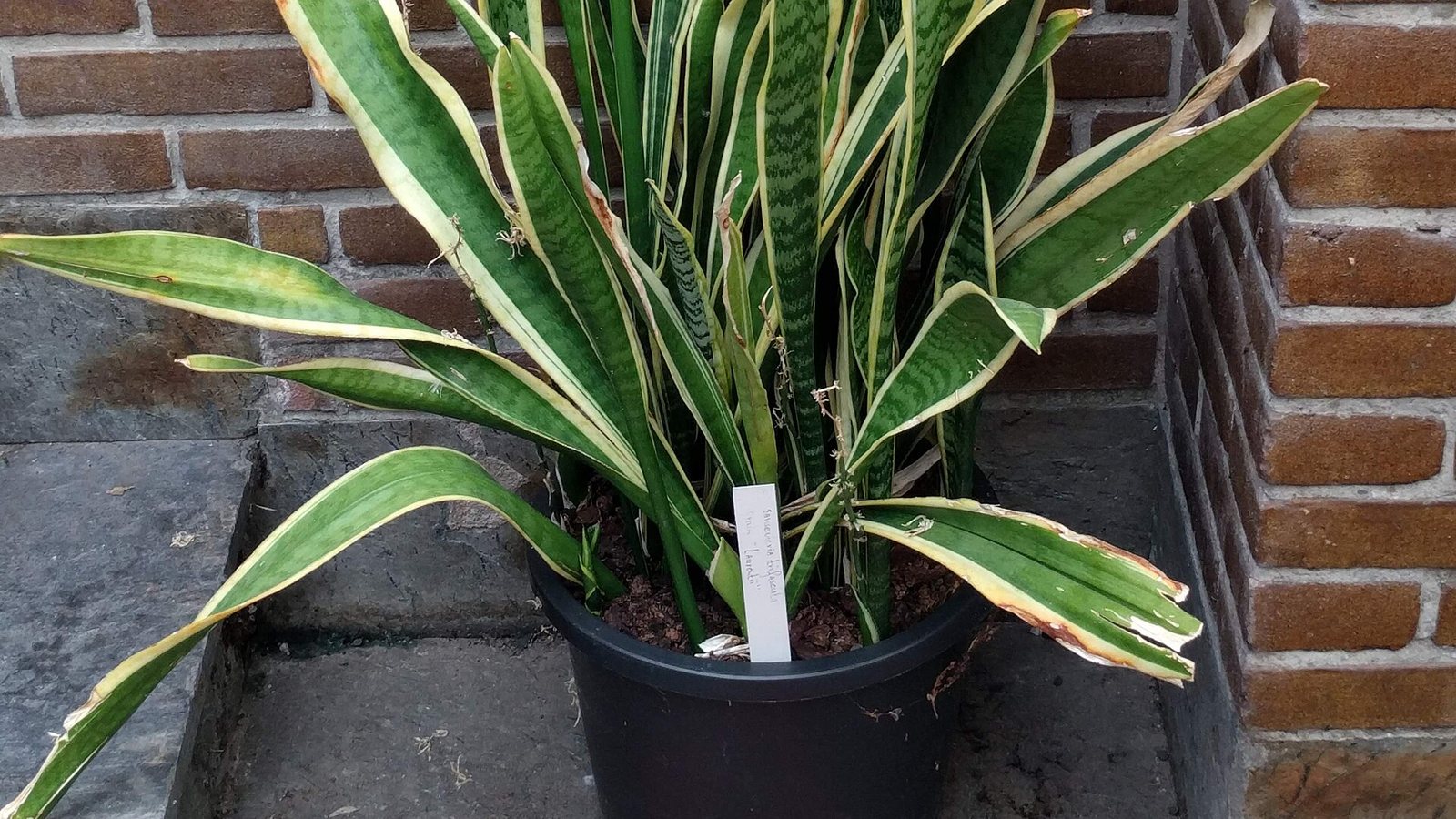
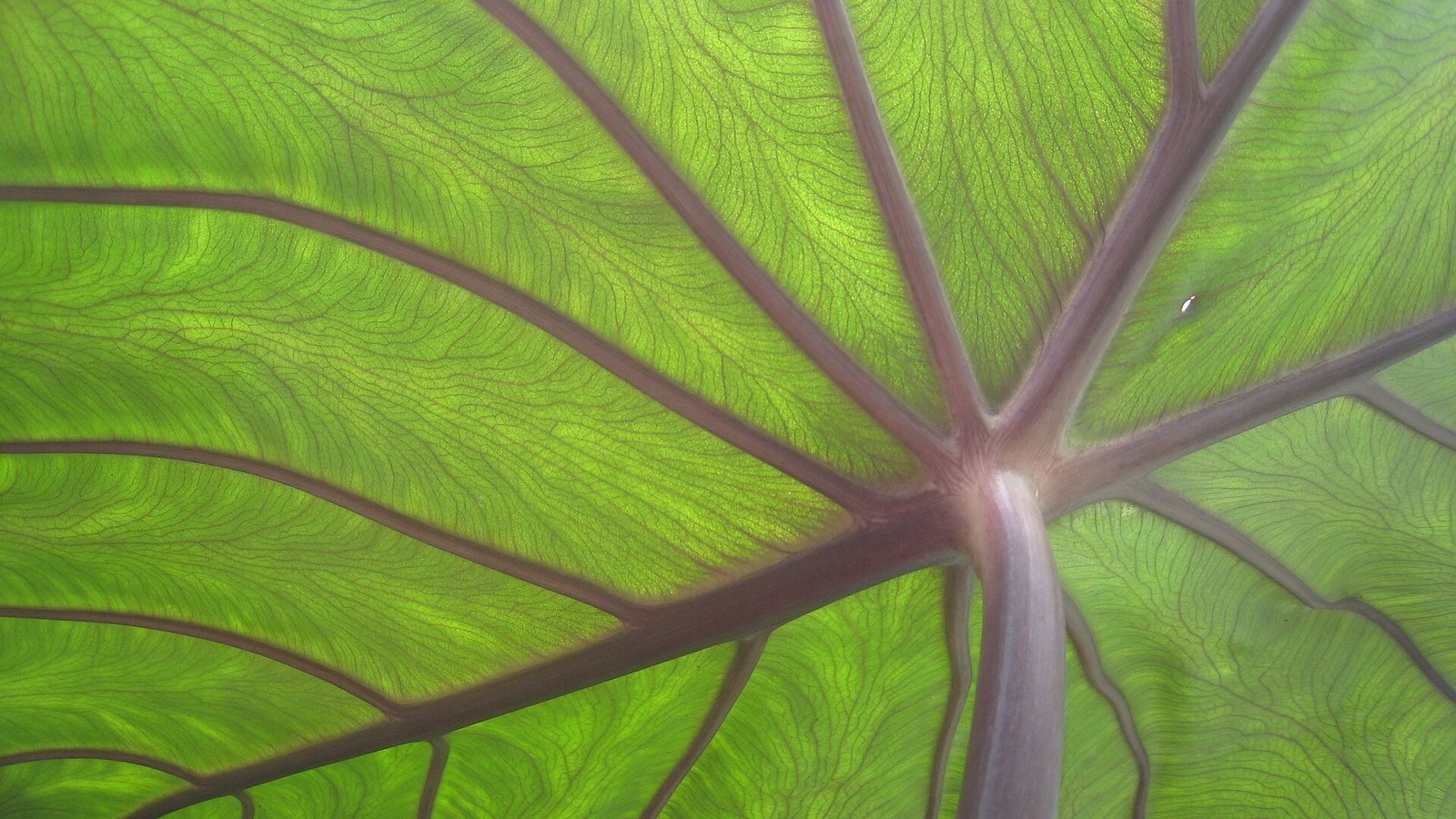
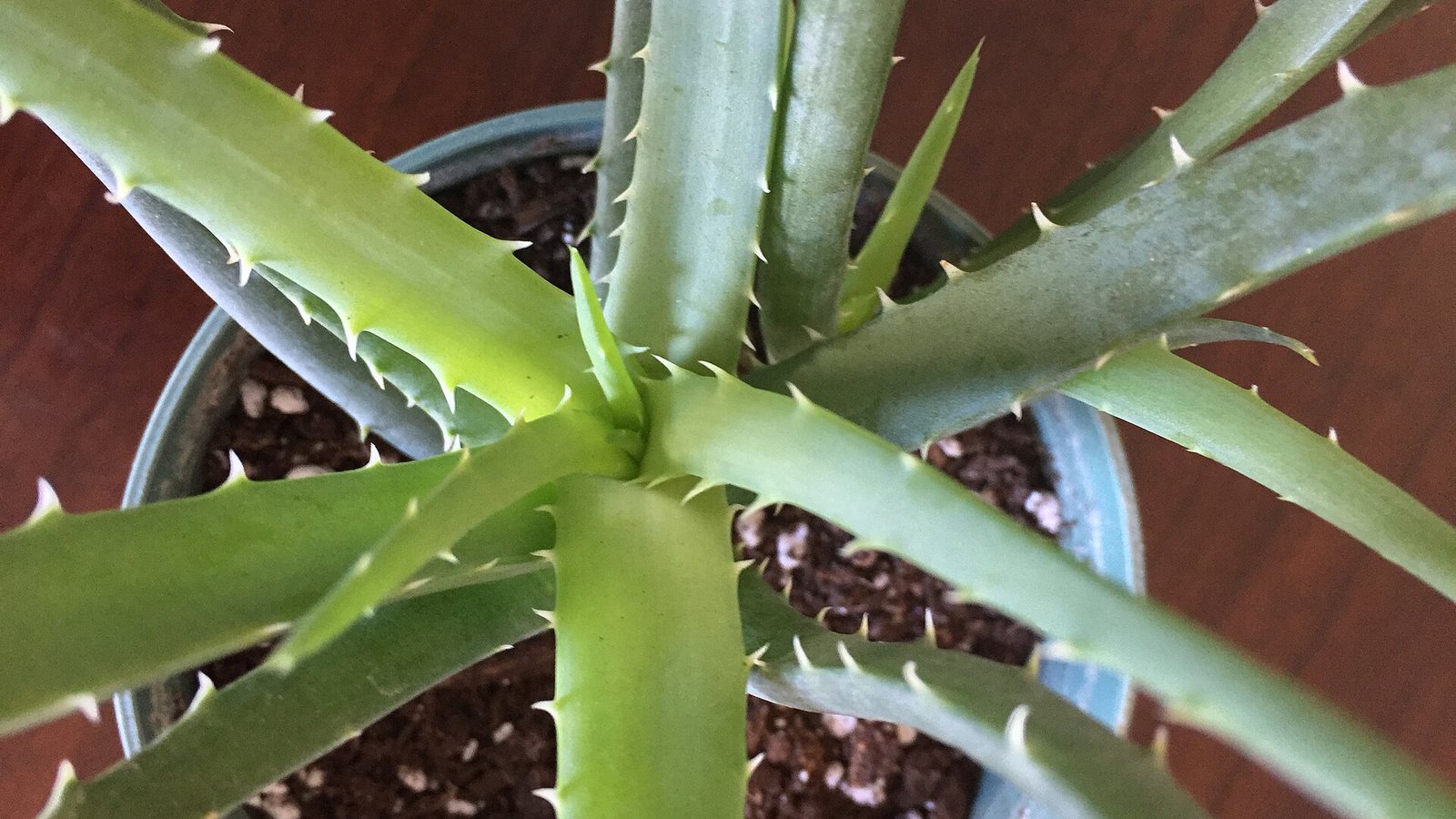 Photo: Krish Dulal · CC BY-SA 4.0
The best plant care app knows your exact species, lets you adjust reminders by season, admits when an identification is uncertain, asks follow-up questions about sick plants and shows pet toxicity. Test it with three plants you own for ten minutes and compare its care advice with a trusted source.
Key takeaways
- No single schedule suits every plant, so reminders must be adjustable by species and season.
- Check an app's care data against a source such as the RHS before trusting it.
- Good problem help asks questions, states urgency and follows the plant for weeks.
- Toxicity for pets should be on each plant page and match the ASPCA.
- Read the free plan limits before you sign up, and test with plants you already know.
On this page7
What makes a plant care app worth keeping?
Most plant care apps look alike in the store: a camera button, a list of plants and a reminder bell. The difference shows up three weeks later, when the app tells you to water a plant that is still wet, or has no idea what your plant is. This guide gives you a checklist you can test in ten minutes, before you commit to any app, so you choose by what it does for your plants rather than by its screenshots. It is not a ranking of products; it is the set of questions that separates a useful app from a prettier calendar.
The checklist rests on three simple facts from horticulture sources. The Royal Horticultural Society (RHS) says no single schedule fits all houseplants, because each has its own needs for light, temperature, water and humidity. University of Illinois Extension says watering frequency depends on light, temperature, humidity, pot type and size, soil and the plant's species and size. And the ASPCA reminds readers that its plant list is not all-inclusive and that you must check the exact plant name. An app that ignores these facts will mislead you sooner or later.
The checklist at a glance
| What to check | Good sign | Red flag |
|---|---|---|
| Care data | Light, watering, humidity, temperature and toxicity for the exact species | The same generic advice for every plant |
| Reminders | You can change the interval, and it helps you check the soil first | Fixed schedules you cannot adjust for the season |
| Identification | Shows alternatives and tells you when it is unsure | One confident answer every time |
| Problem help | Asks questions, explains urgency and follows the plant for weeks | A single guess from a photo |
| Pet safety | Shows toxicity on every plant page | No toxicity information at all |
| Limits and privacy | Free tier limits stated before you sign up; lock on the app | Hidden limits, unclear plans |
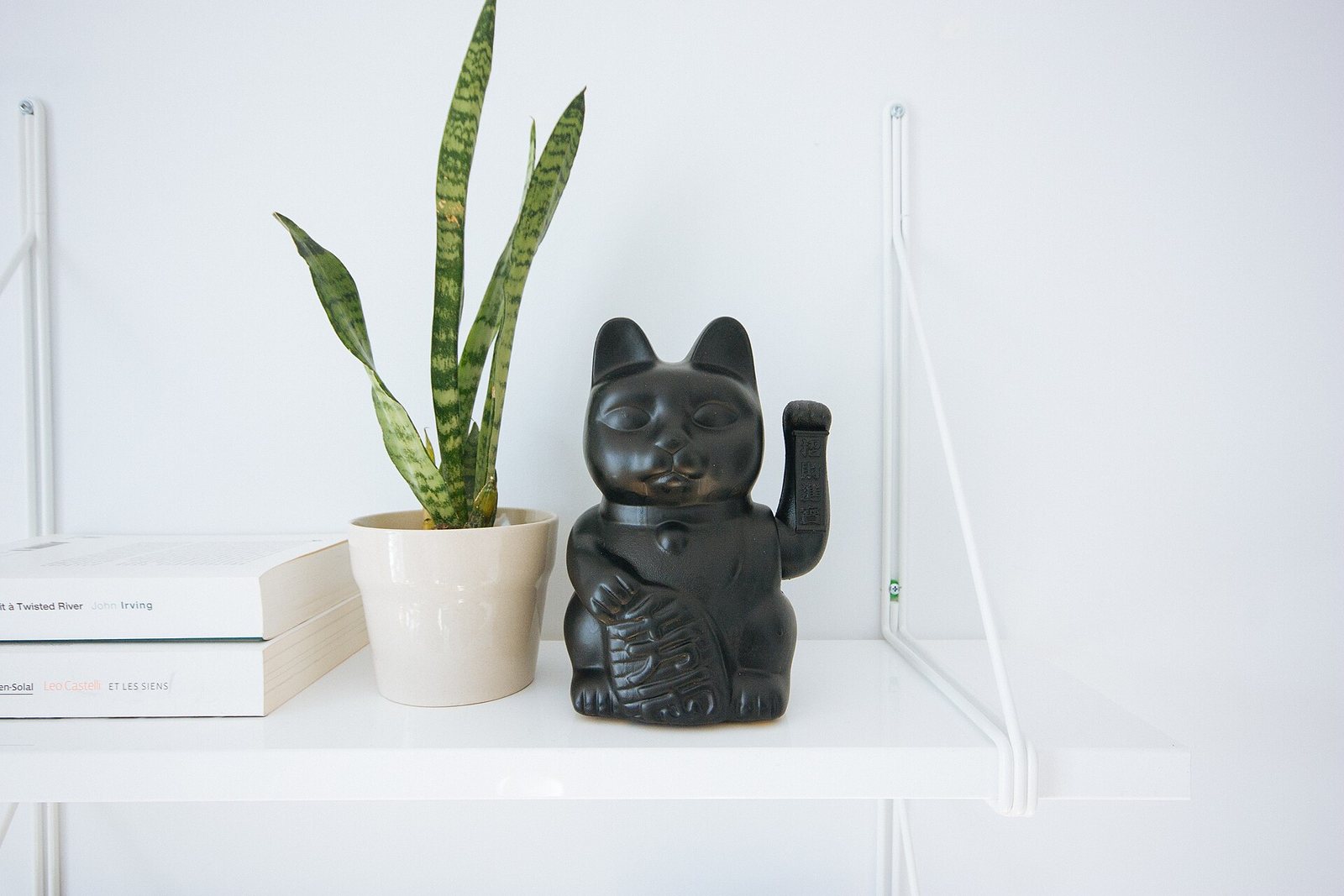
Does the app know your plant, or only plants in general?
Open the care page for three plants you own, ideally one easy plant, one fussy plant and one you are unsure about. For each, look for the five numbers that matter: how much light, how often to water, how humid, what temperature and whether it is toxic to pets. Compare them with a trusted source such as the RHS or the Missouri Botanical Garden Plant Finder. A good app agrees with the source and gives a range, not a promise ("water every 7 days"). RHS advice is to water only when the compost surface feels dry and to check the weight of the pot, which is something no app can do for you.
If the app cannot tell a snake plant from a calathea, nothing else it does will matter. Test identification with a plant you already know; our piece on how accurate plant identifier apps are explains what independent tests found and why a second look is wise for anything toxic.
Do the reminders adapt, or just nag?
A reminder is useful only if you can adjust it. Illinois Extension says to water plants when they need it, not by the calendar, and to push a finger about 5 cm (2 in) into the soil to check. So the best reminders work as a prompt to check, with an interval you can lengthen in winter and shorten in summer. The RHS notes that pots dry out faster in winter indoors with central heating, and plants need less water in cool rooms than warm ones, so one interval all year is a warning sign. Look for reminders beyond watering too: misting, feeding, repotting and pruning, and a log so you can see what you did last time.
Flori follows this approach: each plant has a care profile, and you can set reminders for watering, misting, fertilizing, repotting and pruning, then change them when the season changes. Our guide to setting up watering reminders walks through it.
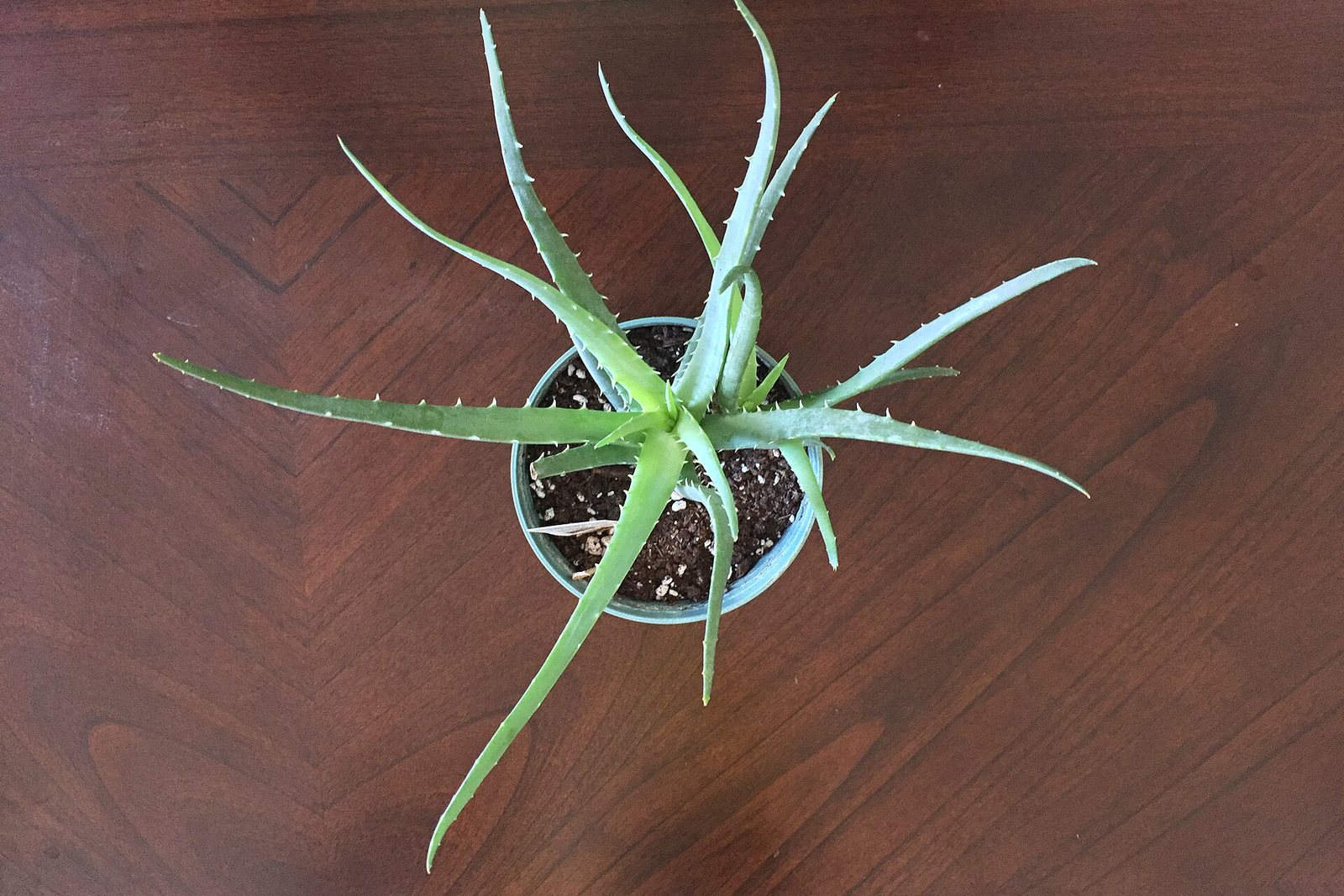
What happens when the plant is sick?
Many apps stop at "your plant has a problem". A useful one asks follow-up questions (how often you water, how much light, since when), says how urgent the cause is, and gives steps you can follow. Diagnosis from one photo is often a guess, because yellow leaves have many causes. The ideal is a chat that works from a description or a photo, plus a way to track the recovery over several weeks with dated photos. In Flori that is Dr. Flori for the diagnosis and the Plant Hospital for follow-up; our guides on how Dr. Flori diagnoses plants and the Plant Hospital show the flow. Whatever app you try, ask whether it tells you what to check yourself, not only what to buy.
Does it show pet safety?
If you share your home with a cat or a dog, toxicity should be on every plant page, and it should agree with the ASPCA. The ASPCA lists plants by common and scientific name and lets you filter for plants toxic or non-toxic to dogs, cats and horses. It also says that eating any plant material may cause vomiting and stomach upset in cats and dogs, and that if your animal may have eaten something poisonous you should call your vet or the ASPCA Animal Poison Control hotline. An app is a convenient first check, but when a pet has chewed a plant, call the professionals. See our lists of plants toxic to cats and pet-safe houseplants for the plants worth knowing by name.
How to test an app in ten minutes
- Add three real plants and check that the care page matches a trusted source.
- Photograph one plant you know well and see whether the answer is right, and whether the app shows alternatives.
- Describe a problem you have solved before and see whether the advice matches what worked.
- Set a reminder and change its interval; see how easy it is.
- Read the plan limits before you sign up: free plans often cap identifications, diagnoses or the number of plants with reminders, and that is fine if the limit is stated up front.
One more thing to look for is a lock on the app (Face ID or fingerprint) if your plant photos or locations are private, and support for your language. If an app passes the tests, use it as a memory aid, not as a replacement for touching the soil.
Frequently asked questions
What should a plant care app do?
It should give species-specific care, adjustable reminders, honest identification, help with problems and pet safety information. Its advice should match trusted sources such as the RHS or an extension service.
Are plant care reminders reliable?
Only as prompts to check. Watering needs change with light, temperature, pot and season, so use the reminder to test the soil with a finger rather than watering automatically.
Can an app tell me if a plant is toxic to my cat?
It can be a quick first check, but compare it with the ASPCA list. If your pet has chewed a plant, call your vet or the ASPCA Animal Poison Control hotline.
Is a free plant care app enough?
For a few plants, often yes. Check the limits first: Flori's Free plan includes 2 identifications and 2 diagnoses a month and reminders for up to 3 plants.
What university tests found about plant ID app accuracy: flowers beat leaves, genus beats species, bark and seedlings are hard. How to get better results.
Sources
Written and fact-checked by the Flori team. Every guide cites horticultural sources such as the RHS, university extension services and the ASPCA, and is updated when the advice changes. How we write our guides
General plant care information. Plants vary; when a plant is valuable or a problem spreads quickly, consult a local nursery or plant specialist.